Why Zed Finally Clicked for Me When I Stopped Treating It as a VS Code Killer
Introduction: The Quest for a Lighter Editor
For years, Visual Studio Code has reigned as the go-to code editor for developers worldwide. Its vast ecosystem of extensions, themes, and integrations makes it incredibly flexible — a true Swiss Army knife for coding. Yet, despite its dominance, many developers feel a persistent itch: performance. Even on beefy machines, VS Code can sometimes lag or churn memory, and its telemetry data collection raises privacy eyebrows. Enter Zed, a new editor promising blazing speed and minimal overhead. But early attempts to swap VS Code for Zed often end in frustration — unless you shift your perspective.
The VS Code Ecosystem: Power at a Price
Unrivaled Extensibility
VS Code’s real strength lies in its marketplace. From language servers to themes, debuggers to linters, you can customize the editor to fit nearly any workflow. This flexibility has made it a staple in web development, data science, and even game development. However, this richness comes with a cost: each extension adds a layer of processing, and the JavaScript-based runtime can strain system resources.
Performance Bottlenecks
Even on a top‑tier laptop with 32 GB of RAM, you might notice startup delays, sluggish file switching, or occasional freezes when working with large projects. VS Code’s Electron foundation — while powerful — is inherently heavier than a native app. This is not a deal‑breaker for most, but for developers who crave a snappier experience, it’s a persistent annoyance.
Privacy: The Elephant in the Editor
Another factor that pushes developers to look elsewhere is privacy. Although VS Code is open source (the Code – OSS version), the official build from Microsoft includes telemetry by default. Telemetry data tracks usage patterns, error reports, and even some personal information. While you can disable it, the default stance is data collection. For developers who value privacy — or work under strict data governance policies — this can be a deal‑breaker.
Enter Zed: Speed, Minimalism, and a Different Philosophy
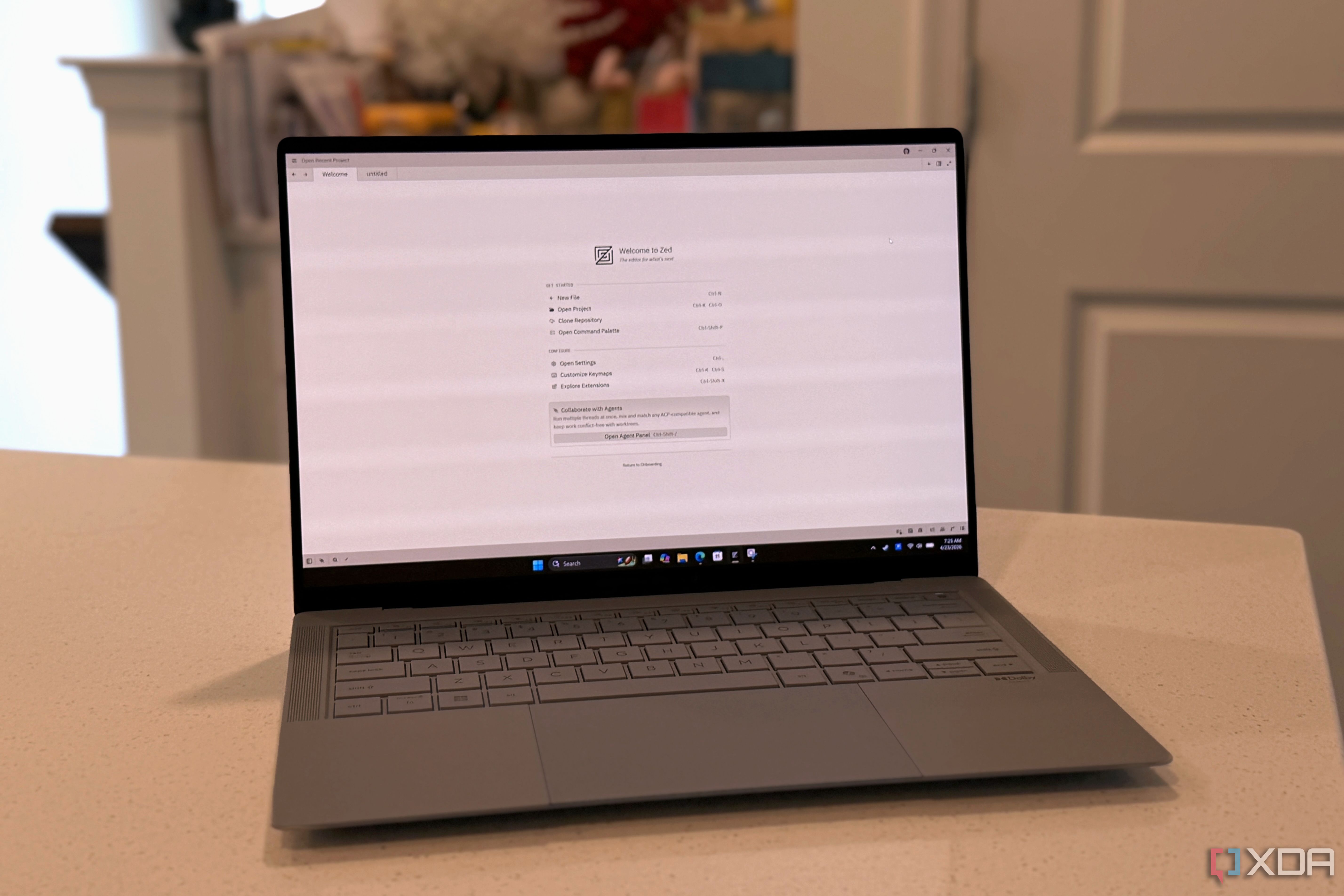
Zed was built from the ground up to be fast and lightweight. Written in Rust and leveraging GPU acceleration, it opens projects instantly, handles large files without stutter, and consumes far less memory than VS Code. Its interface is clean, almost spartan, and it avoids the clutter of endless extensions. But this very minimalism is why many developers mistakenly dismiss it as “not a replacement” for VS Code.
The Shift in Mindset: Complementary, Not Competitive
The moment I stopped trying to make Zed replace VS Code entirely, it clicked. Instead of forcing Zed to do everything VS Code does — like heavy debugging, complex refactoring, or deep Git integration — I started using it as a complementary tool for specific tasks.
When Zed Shines
- Quick edits and note‑taking: Need to tweak a config file or jot down a snippet? Zed launches in under a second.
- Code review: Its speed makes it ideal for browsing through diffs and comments without waiting for extensions to load.
- Prototyping and learning: Want to experiment with a new language or framework? Zed’s minimal interface removes distractions.
When VS Code Still Reigns
- Full‑stack development: Multi‑project workflows, integrated terminals, and extension‑heavy setups still favor VS Code.
- Advanced debugging: VS Code’s debugger is mature and supports many runtimes; Zed’s debugging is still evolving.
- Team collaboration: Built‑in Git UI, Live Share, and remote development tools are more polished in VS Code.
By understanding these strengths, you can create a hybrid workflow: use VS Code for heavy lifting, and reach for Zed when you want speed and focus.
Making the Transition Practical
Start Small
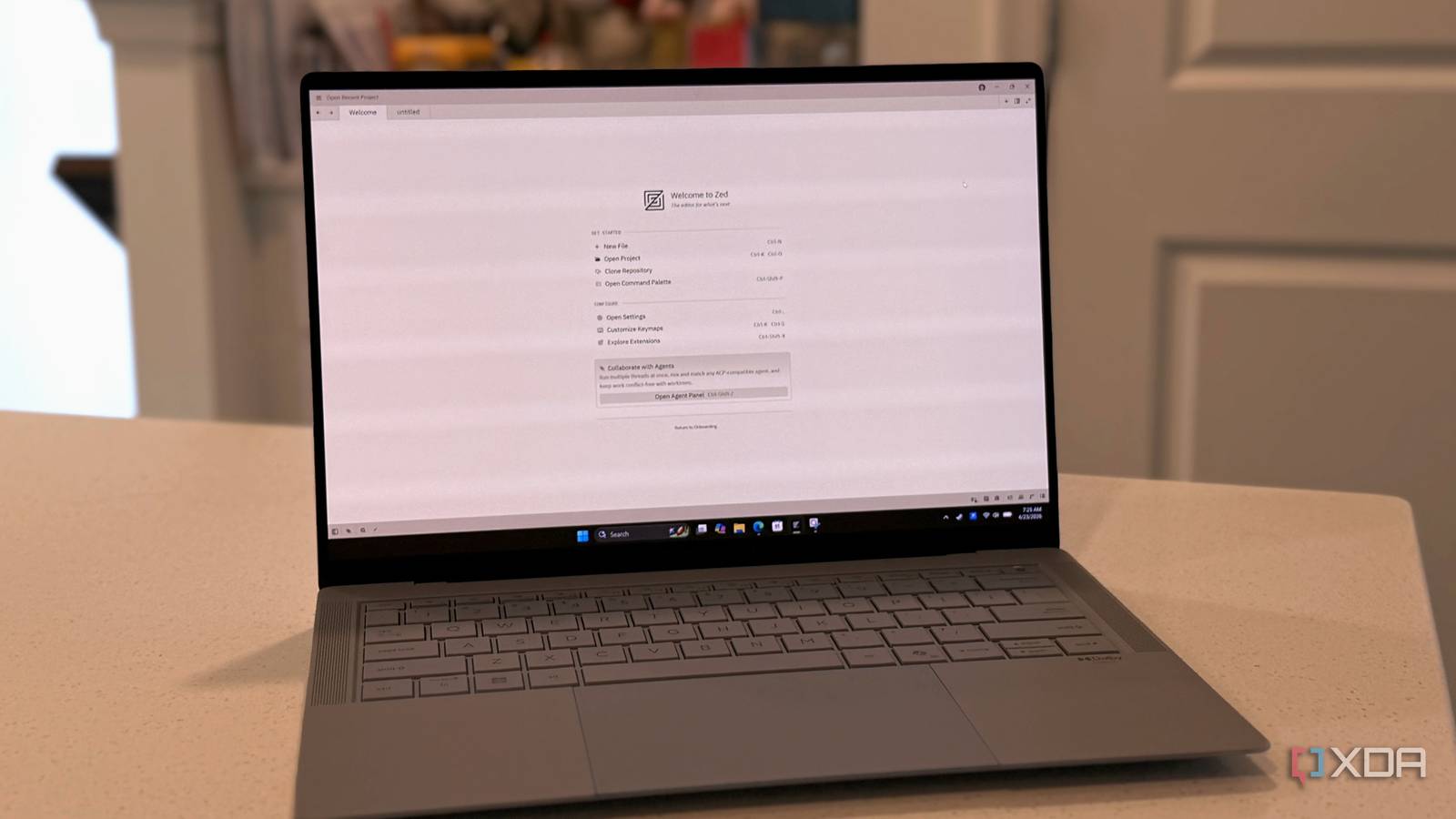
Begin by using Zed for one specific task — say, editing Markdown files or adjusting configuration. Notice how quickly it launches and how fluidly it scrolls through long documents. Then gradually expand its role.
Configure Lightly
Resist the temptation to install dozens of extensions in Zed. The editor shines when kept lean. Its built‑in language support is often sufficient for most workflows. If you miss a feature from VS Code, consider whether it’s truly essential for the task at hand.
Embrace the Terminal
Zed integrates well with the command line. Use its integrated terminal for Git commands, build scripts, or quick testing — avoiding the need for a separate application.
Conclusion: A Tool for the Right Job
VS Code is not going anywhere; its ecosystem is too powerful. But Zed offers a refreshing alternative for those moments when speed and simplicity matter most. By letting go of the “one editor to rule them all” mentality, you unlock a more efficient and enjoyable development experience. Zed made sense to me only after I stopped trying to replace VS Code — and started using it where it truly excels.
For more insights, check out our guides on maximizing VS Code performance and getting started with Zed.
Related Articles
- The Rise of Phantom References: How AI-Generated False Citations Are Polluting Academic Literature
- MSI's 2026 Laptop Lineup: AI-Powered Performance for Every User
- How Semiconductor Giants Can Prevent Billion-Dollar Strikes: A Step-by-Step Crisis Management Guide
- 5 Key Lessons from Apple’s $250 Million AI Misstep: What Went Wrong with Siri’s Smart Promises
- Streamlining Python Environment Management in VS Code: The New Environments Extension
- 6 Reasons Why America's Fertility Panic Misses the Real Issue
- AI Accessibility Gains Momentum Despite Skepticism: Microsoft Expert Sees 'Yes, And' Opportunity
- Navigating the Global Energy Transition: Lessons from the Santa Marta Summit and Clean Tech Trends