Why I Switched from Adobe Firefly to a Free Open-Source AI Image Generator
The Ethical Quagmire of AI Image Generation
The rapid rise of AI image and video generation has sparked intense debates that are hard to overlook. Central concerns include whether training datasets were scraped without consent, whether artists receive fair compensation, and whether the outputs create something genuinely novel or merely mimic others' styles. These issues have led many creators to scrutinize the tools they use.
Adobe Firefly: A Paid Attempt at Fairness
Among commercial offerings, Adobe Firefly initially seemed like a more ethical choice. Its training data relies on licensed Adobe Stock content and public domain material, which reduces the risk of using unauthorized works. However, the tool remains paywalled beyond a limited free tier of credits. For frequent users, this quickly becomes a costly subscription, and the transparency of the model training process is still not fully open. Moreover, the controversies around AI art persist, with critics arguing that even licensed stock may not fully address the broader philosophical and legal questions.
Embracing Open Source: A Viable Alternative
After several months with Firefly, I decided to explore open-source alternatives. The primary motivation was not only cost but also control and community-driven development. Open-source models like Stable Diffusion offer a compelling mix of freedom, customization, and ethical transparency.
Key Advantages of Open-Source AI Art Tools
- No Paywalls: Once you set up the software (e.g., on your own hardware or through a cloud service), there are no credit limits or subscription fees.
- Transparency: The training data and model architecture are often openly documented, allowing you to understand and even retrain the model for specific needs.
- Customization: You can fine-tune models, add custom datasets, and use community-built plugins to enhance functionality.
- Community Support: Forums, GitHub repositories, and Discord servers provide constant updates, troubleshooting, and shared resources.
Practical Considerations and Setup
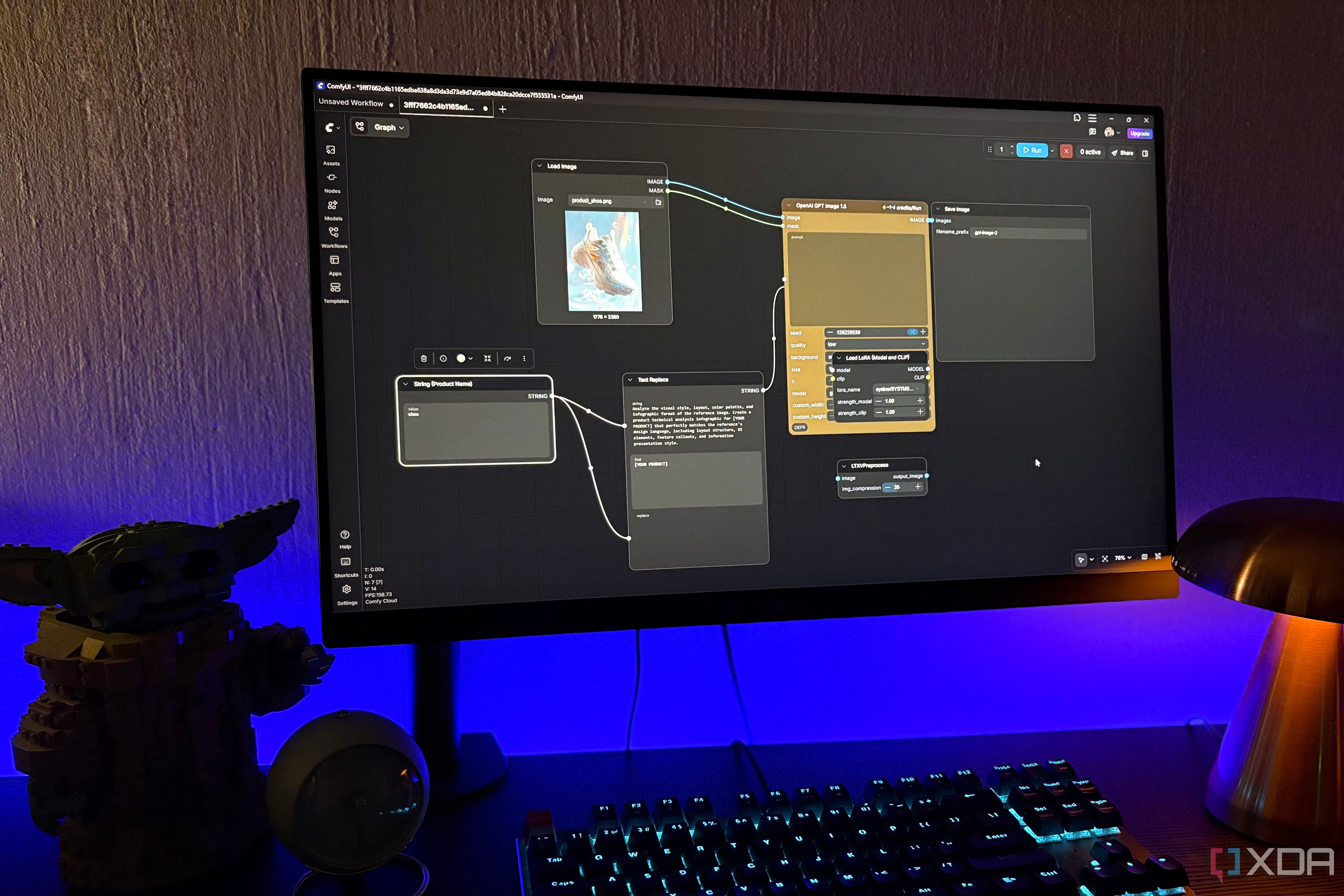
Switching to an open-source solution may require a bit more technical effort. You'll need a modern GPU and a basic understanding of command-line tools or user interfaces like Automatic1111's Web UI or ComfyUI. The learning curve is moderate, but once set up, the flexibility is unmatched.
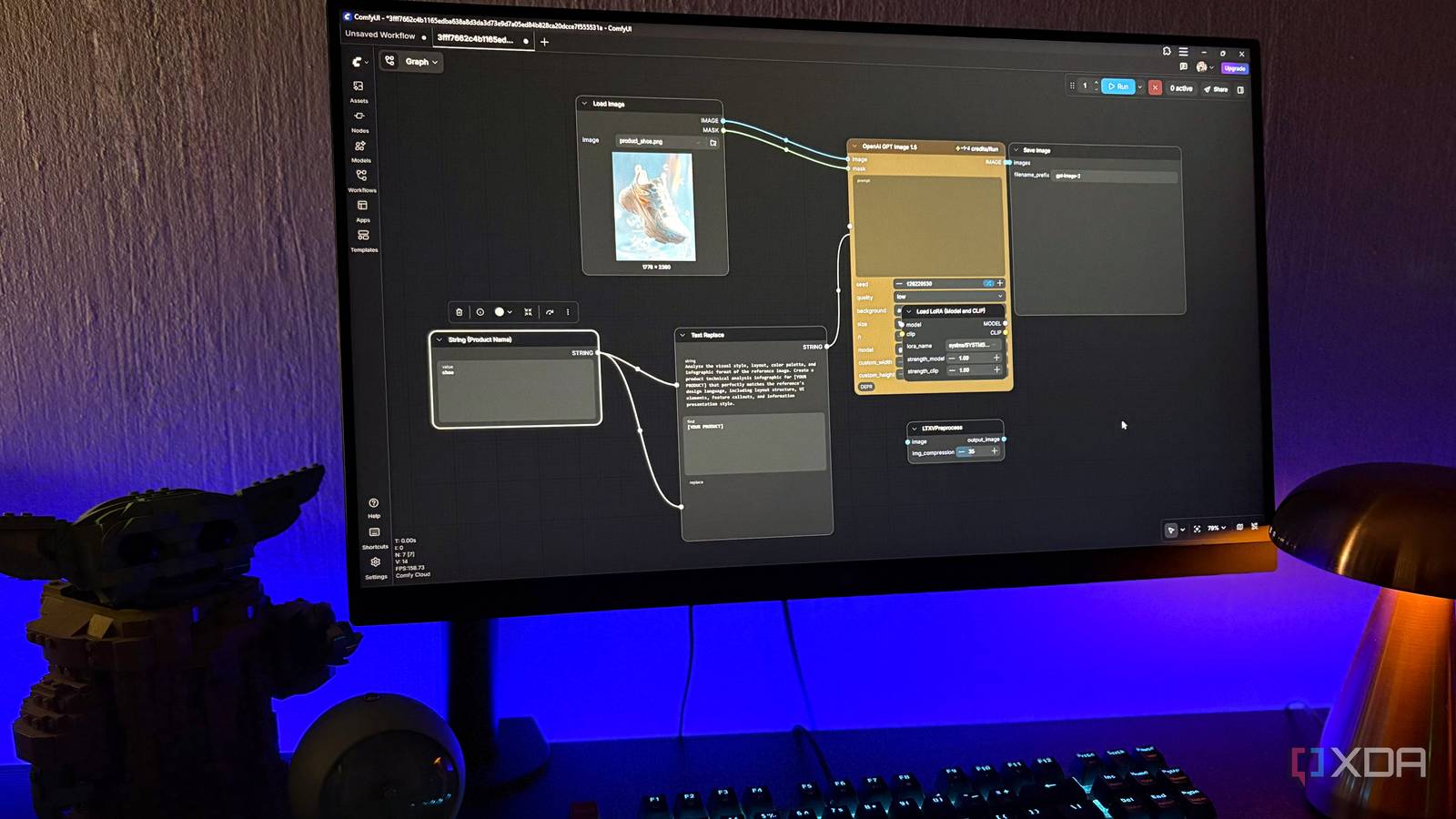
Another benefit is the ability to use LoRA (Low-Rank Adaptation) models for style transfer and textual inversion for personalizing concepts. These techniques allow you to create images that feel uniquely yours, without relying on pre-packaged styles.
Comparing Firefly and Open-Source Models
While Firefly excels in ease of use and integration with Adobe's ecosystem, its closed nature limits what you can do. Open-source models, on the other hand, offer:
- Privacy: Your prompts remain on your machine or a server you control.
- Offline Capabilities: No internet connection needed after initial setup.
- Continuous Improvement: The community releases upgrades and fixes faster than any corporate roadmap.
However, open-source tools also have drawbacks: you must manage hardware resources, occasional software conflicts, and the responsibility to avoid generating harmful content. Additionally, some ethical concerns about training data still apply, though many open-source projects now offer opt-out options and data transparency logs.
My Final Take
For creators who value freedom, customization, and long-term cost savings, making the switch to an open-source AI image generator is worth the initial learning curve. Adobe Firefly remains a solid choice for quick, polished results within a commercial ecosystem, but the open-source alternative gives you full ownership over your creative process. If you're ready to explore, start with a local installation of Stable Diffusion and join a community that prioritizes transparency and innovation.
Related Articles
- Securing Deployments with eBPF: GitHub's Approach to Circular Dependencies
- Git 2.54 Streamlines History Editing with the New `git history` Command
- Free Open-Source Tool Finally Fixes Bluetooth MIDI Issue on Windows 11
- Hermes Agent and Qwen 3.6: How Local AI Agents Are Evolving with NVIDIA Hardware
- How to Get Selected for Google Summer of Code: A Rust Project Case Study
- Chainguard Forks Abandoned Open Source Projects to Plug Security Gaps
- How to Build Self-Improving AI Agents Locally with Hermes and NVIDIA Hardware
- GitHub's Reliability Journey: Navigating Rapid Growth and System Complexity