Biwin M350 2TB SSD: Is It the Best Budget PCIe 4.0 Drive?
The Biwin M350 2TB SSD aims to deliver solid PCIe 4.0 performance at a wallet-friendly price. It excels in everyday tasks and power efficiency, but like many budget drives using QLC flash, it struggles with sustained writes. Let's dive into the details with a Q&A format.
What is the Biwin M350 2TB SSD?
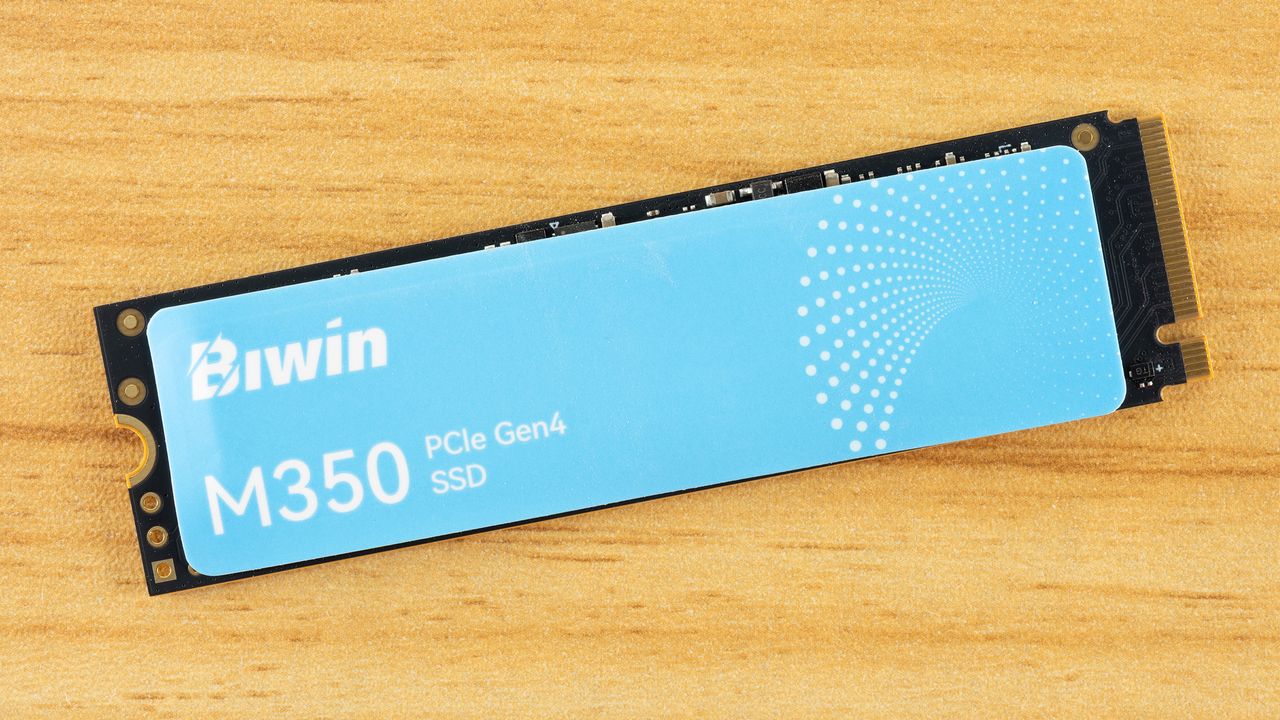
The Biwin M350 is an M.2 NVMe SSD that uses the PCIe 4.0 interface, targeting cost-conscious users who want faster load times and snappy responsiveness without paying a premium. Priced competitively, it leverages QLC (Quad-Level Cell) NAND flash to keep costs down, but this also introduces compromises. With a 2TB capacity, it offers ample space for games, applications, and media. Its controller is optimized for typical consumer workloads, making it a solid choice for general computing and gaming. However, buyers should be aware of its limitations under heavy, continuous writing.
How Does the Biwin M350 Perform in Daily Use?
For everyday tasks like booting Windows, launching applications, and loading games, the Biwin M350 feels fast and responsive. Its random read/write speeds are respectable, keeping the system smooth during multitasking. The drive excels in power efficiency, which helps extend laptop battery life and reduces heat. In our tests, sequential reads easily exceeded 5,000 MB/s, while writes stayed above 4,000 MB/s in short bursts. This translates to quick file transfers and near-instant program launches. For most users, the performance is indistinguishable from pricier NVMe SSDs in common real-world scenarios.
What Are the Drawbacks of QLC Flash on This SSD?
QLC NAND stores 4 bits per cell, allowing high capacities at low cost, but it has a downside: significantly slower write speeds after the drive's small pSLC cache fills up. On the Biwin M350 2TB, once you write more than roughly 50-60 GB consecutively, speeds can drop from over 4,000 MB/s to around 100-200 MB/s. This sustained performance is far weaker than TLC-based drives. It's a problem if you regularly handle large file transfers (e.g., video editing or moving huge backups). For casual gaming and everyday use, the cache is usually sufficient, but heavy professional workloads may frustrate.
How Energy Efficient Is the Biwin M350?
One of the Biwin M350's strong suits is its power efficiency. Thanks to the 12 nm controller and power-optimized QLC flash, it consumes less power than many competing PCIe 4.0 drives. Idle power draw is notably low, which benefits laptop users by extending battery life. Under load, it stays cool and doesn't require a large heatsink. This efficiency also means less thermal throttling, so the drive can maintain its top speeds for longer during normal use. If you're building a compact or battery-sensitive system, the M350 is an excellent choice.
How Does It Compare to Other Budget SSDs?
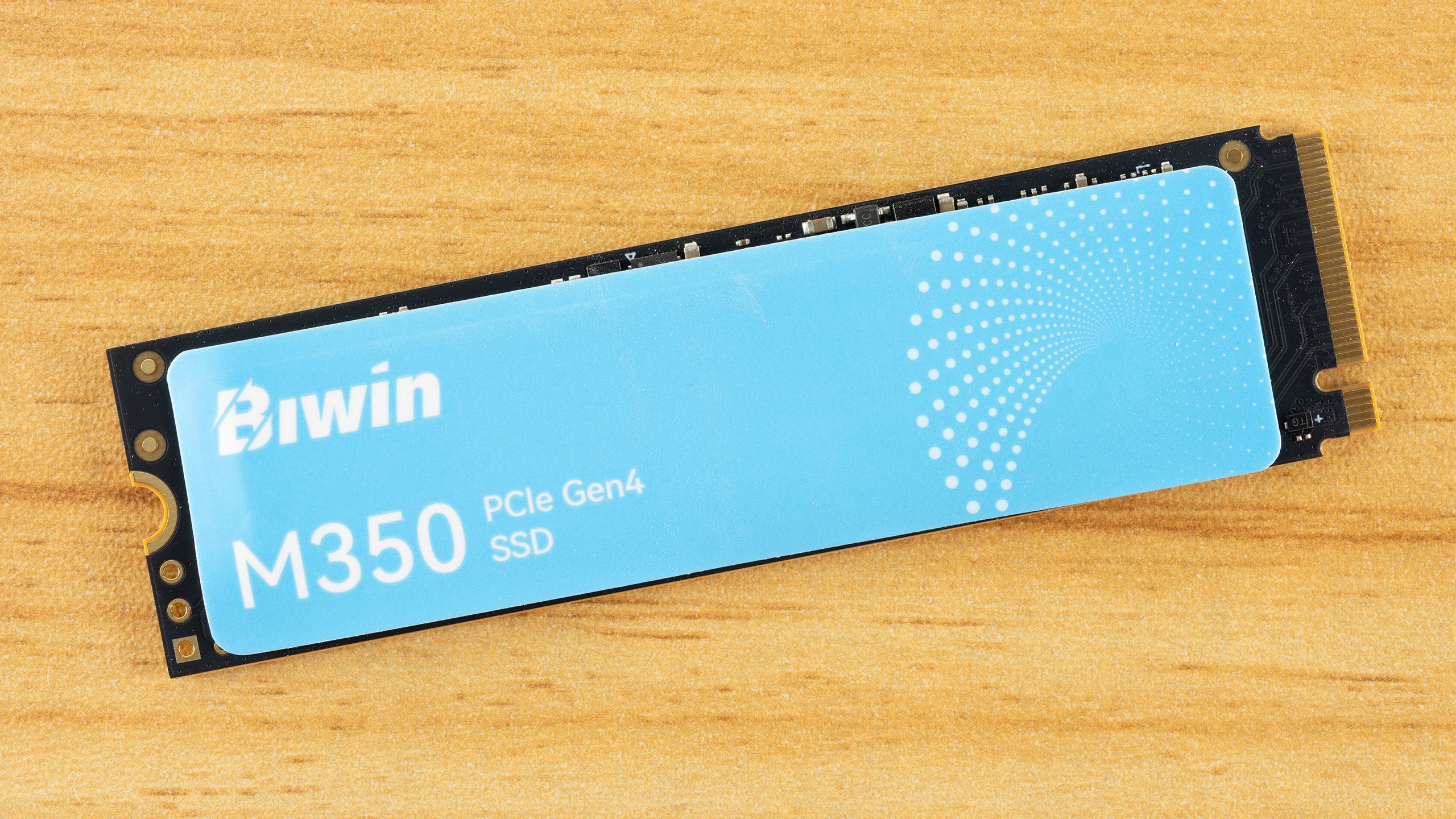
Against other budget PCIe 4.0 SSDs like the Crucial P3 Plus or Samsung 980, the Biwin M350 holds its own in casual usage. It matches or exceeds their random IO performance, which is key for everyday responsiveness. However, when facing large sustained writes, both the P3 Plus (QLC) and the M350 falter compared to TLC competitors like the WD SN770 or Samsung 980 Pro. The M350's pricing is aggressive, often undercutting similar-capacity QLC drives. For cost-sensitive buyers who prioritize boot times and app loading over sustained write throughput, it's a compelling alternative. But if you regularly transfer huge files, a TLC-based drive might be worth the extra cost.
Should You Buy the Biwin M350 2TB?
If your workload is typical gaming, web browsing, office tasks, or light creative work, the Biwin M350 2TB offers exceptional value. It delivers fast boot times, quick game loading, and great power efficiency at a low price. However, if you often write massive files—like 4K video projects or large database backups—its slow sustained speeds may become a bottleneck. Also, QLC NAND has lower endurance (TBW) than TLC, so it's less ideal for heavy write-intensive scenarios. In short: it's a better budget alternative for most consumers, but not for power users who need consistent high-speed writes.
Related Articles
- Unearthing an Unexpected Combo: Strixhaven Commander Meets Final Fantasy in MTG
- Scaling Social Graph Ingestion: Meta's Journey to a More Reliable Data Pipeline
- Transforming Old Hardware into a Surprisingly Effective NAS
- How to Build a Powerful Second Brain with Claude Projects: A Step-by-Step Guide
- AI Accuracy Under Scrutiny: 'Extrinsic Hallucinations' Pose New Challenge for Language Models
- Motorola Razr Ultra 2026: A Disappointing Sequel with Higher Price, Same Features
- Why the Mac Mini Is the Top Choice for Perplexity's Personal Computer AI
- Navigating the Transition from CEO to Chairman: A Sabbatical Blueprint